Plan
Your week, right beside your notes.
Any to-do you write becomes a task with a day. See the week at a glance, keep a note for each day, and get reminded before it slips.
- M12
- T13
- W14
- T15
- F16
- S17
- S18
Today
- Send Rhea the revised design
- Call the ryokan about late check-in
- Pricing table for the launch
- Water the plants
Add a task
Send Rhea the revised design
- DateFri 16 Oct
- Time15:00
- RepeatNever
- DeadlineMon 19 Oct
- Linked pageWebsite launch
Home
- Water the plants every SundaySun
- Team notes every weekday9:00
- Pay rent every month1 Nov
- Send the deck by FridayDue Fri
Tick a repeating task and the next one appears
No day yet
- Learn to make proper ramen
- Frame the Kyoto prints
- Read Pachinko
Touch and hold: Today, Tomorrow, Next Week
Website launch
Ship the new homepage before the beta invites go out.
- Homepage copy
- Waitlist form tomorrow
- Pricing table by Friday
Shows in Tasks on its day Tasks
Tasks
Every to-do, on its day
A week strip with a dot on each day that has something, the chosen day’s tasks under it, and a card for Someday.
Thursday 15 October
Design review moved to the afternoon. Alex has the new pricing numbers.
- Send Rhea the revised design
- Book the ryokan
Daily note template
New daily notes start from it. Notes already made stay as they are.
- Blank
- Daily Planner✓
- Morning Pages
- My morning routineYour template
- M12
- T13
- W14
- T15
- F16
- S17
- S18
Thursday 15 OctoberDaily noteDesign review moved to the afternoon.
- Design review14:00 · Studio
- Dinner with Alex19:30 · Omen
Daily notes and Calendar
A note for every day
Open a day in the Calendar and its note is there, titled with the date. The day before and after are one tap away.
ZimomanowBook the ryokan before the 14th.
- Call the ryokanFri 9:00
- Send Rhea the revised designTomorrow
- Passport renewal12 Jan
Today · 3 to-dos
- Call the ryokan
- Pricing table for the launch
- Water the plants
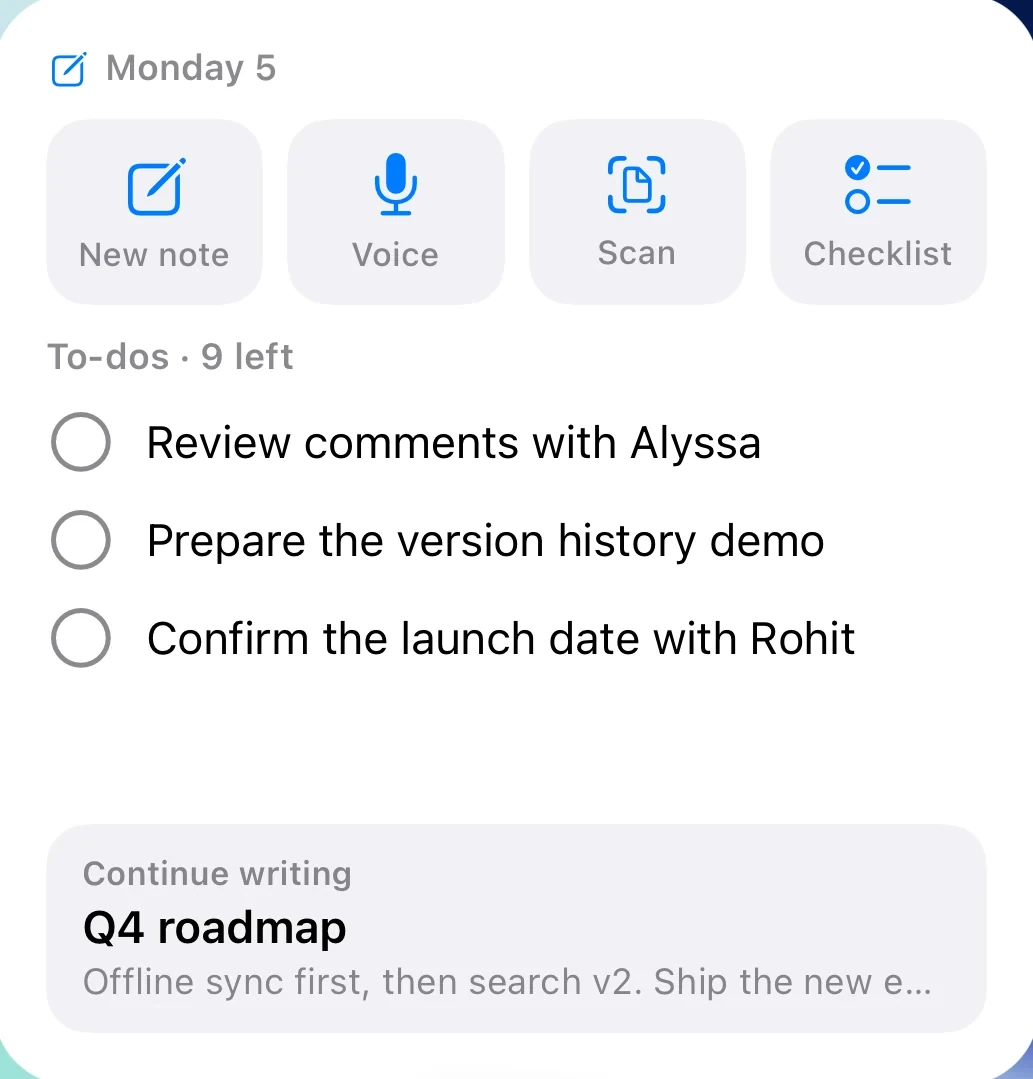
New note and voice noteOne tap from the Lock Screen
It comes back
It shows up where you’ll look
A plan only works if you see it again. Zimoma puts it on your Home Screen, your Lock Screen and in your notifications.
And the rest
Small things that keep a plan going
Analytics
This week, your writing streak, 12 weeks of activity, your library and the notes linked to most.
Plans in plain words
“Call Rhea tomorrow”, “every weekday”, “due 31 Jan”. Type it and the task knows.
Move it on
Touch and hold a task for Today, Tomorrow, Next Week or Someday.
Links on a task
Add a web link or a note. They sit under the task and open with a tap.
Notified on time
A task with a day and a time sends a notification when it’s due.
Your calendar stays put
Events are read on the iPhone to show beside your notes. They’re never changed or sent anywhere.
The waitlist
Note it now.
Zimoma is in beta on iPhone and on its way to the App Store. Leave your email and we’ll write when there’s a place for you.